For amateur creators, cam models, and couples entering the industry
Verification shouldn’t feel like a final boss battle — but for creators on OnlyFans, Pornhub, Stripchat, and other adult platforms, it often does.
Every week, Reddit fills with complaints like:
- “My ID got rejected again.”
- “Pornhub denied my upload because my partner wasn’t verified.”
- “OnlyFans keeps asking for clearer photos, but I don’t understand what’s wrong.”
The truth?
Most verification failures come down to simple, avoidable mistakes.
This guide fixes that.
💡 Why Verification Has Become So Strict (2024–2025)
Platforms today must follow strict KYC (Know Your Customer) and KYCC (Know Your Co-Creator) rules because of:
- Age-verification laws in multiple US states
- Payment processor rules (Visa/Mastercard pressure)
- Biometric/ID requirements introduced by Aylo (Pornhub)
- Stricter consent and model release standards
That means:
👉 If the ID isn’t perfect, the submission fails.
👉 If all performers aren’t verified, the video gets rejected.
👉 If dates/names don’t match, expect resubmissions.
This applies especially to amateur couples, multi-performer scenes, and creators from countries with glare-heavy IDs (plastic cards).
🔍 What Each Platform Requires (Clear Breakdown)
1. What OnlyFans Wants

OnlyFans uses a third-party KYC provider (Ondato). You need:
- Government ID (passport, driver’s license, national ID)
- Selfie / live photo that matches the ID
- Full legal name exactly as written on ID
- DOB that matches the ID
- Payout and tax info that matches your legal details
Top reasons creators get rejected:
❌ Blurry ID
❌ Glare on the card
❌ Edges cropped off
❌ Trying to verify with a stage name
❌ Using heavy filters in the selfie
Approval speed: same day to 48 hours.
2. What Pornhub Wants

After major policy reforms, Pornhub requires:
- Verified uploader account (ID + selfie)
- Consent + verification from ALL co-performers
- Valid model releases for every identifiable person
- Clear ID photos for each performer
- Correct dates and matching names
Top reasons PH rejects uploads:
❌ One performer not verified
❌ Wrong or mismatched model release info
❌ Missing signatures
❌ ID not readable
❌ Scene date older than release signature
Approval: 1–7 days, sometimes longer for multi-performer content.
📸 How to Pass Verification First Try (Checklist)
This is the section you’ll turn into a downloadable PDF later.
Step 1 — Prepare Your Documents
Before you open any app:
- Government ID is valid
- Your legal name is ready (no nicknames)
- You know which address you’ll use
- All performers are prepared to send ID + selfie
- You have a quiet space with even lighting
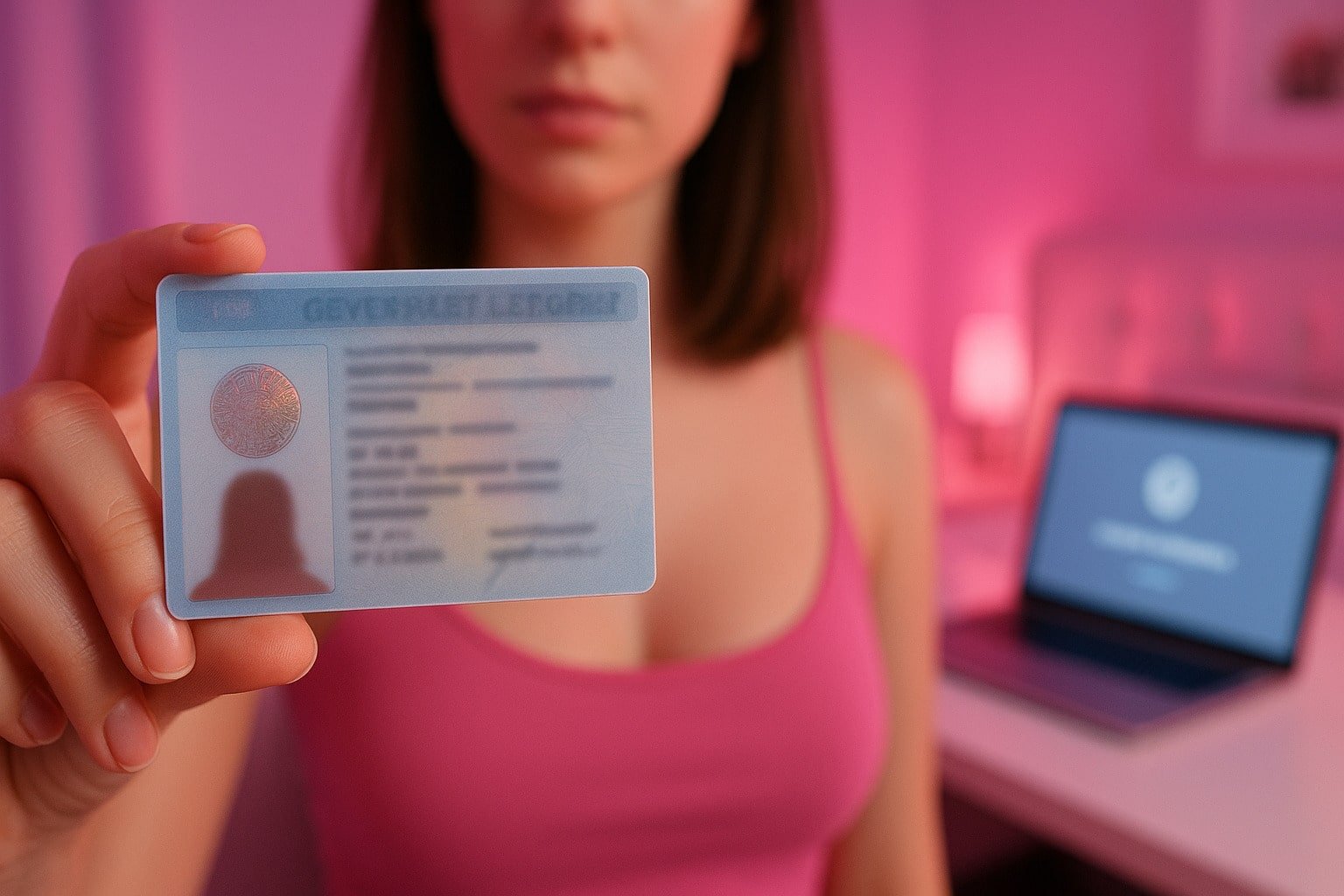
Step 2 — Take a Perfect ID Photo
Think like a bank, not like a selfie app.
- Place the ID on a flat, dark, non-reflective surface
- Use natural light (window) or soft artificial light
- Avoid flash — it adds glare
- Hold the camera directly above
- Make sure all four corners are visible
- No shadows, no filters, no edits
- Take multiple photos and choose the sharpest
This alone fixes 70% of rejections.
Step 3 — Take a Clean Selfie / Liveness Check
Platforms check for face match + anti-spoofing.
- Sit in front-facing, even light
- No sunglasses, masks, heavy shadow, or beauty filters
- Hair shouldn’t block your face
- Look directly into the camera
- Hold still during the scan or prompts
If the system says “Try again,” do it again immediately while lighting is the same.
Step 4 — Match Your Legal Info
Important for OnlyFans and PH:
- Name and DOB must match ID exactly
- Tax forms (W-9/W-8BEN) must use your legal name
- Payout info must match your legal identity
- Stage name is used only in public profiles
Match the spelling. Match the date format. No exceptions.
Step 5 — Multi-Performer Scenes (The Hard Part)
If you film with a partner or friend:
Each performer must have:
- Their own verified profile (or co-performer access)
- Their government ID
- A signed model release with:
- Legal name
- Stage name (optional)
- DOB
- Date of shoot
- Consent to distribute
- Platform(s) allowed
Don’t upload anything until everyone is verified.
If one performer isn’t approved yet, your content is rejected automatically.
📂 Smart File Naming (So You Don’t Get Lost Later)
This is a professional trick:
For ID photos (privately stored):
KYC_[LegalName]_[YYYY-MM-DD]_ID_Front.jpg
For model releases:
Release_[LegalName]_[SceneTitle]_[YYYY-MM-DD].pdf
For uploaded scenes:
Scene_[ShortTitle]_[PerformersInitials]_[Date].mp4
This future-proofs your content in case of DMCA complaints or platform requests.
🔁 If You Get Rejected: Resubmission Template
Copy/paste this:
Subject: Verification Re-Submission – [Username]
Hi Support,
My verification was not approved. I’ve now uploaded clearer, higher-quality photos of my ID and selfie, making sure all information is visible and matches my account details.Could you please review my new submission and let me know if anything else is required?
Thank you,
[Legal Name]
This works for OnlyFans, Pornhub, Stripchat, Fansly, Chaturbate, and more.
🛡️ Bonus: Privacy + OPSEC Tips
Add this as an optional safety section:
- Use a separate email for adult platforms
- Turn on 2FA everywhere
- Never store ID scans unencrypted
- Use a VPN if your country restricts adult work
- Get a separate bank account for creator income
🎯 Final Takeaway
Verification isn’t random and it isn’t personal — it’s compliance.
If you:
- Use clean lighting
- Show full ID
- Match your legal info
- Prepare releases
- Keep documents organized
…you will get verified faster, smoother, and with fewer headaches than 90% of creators who try to “wing it.”
Verifying Pornhub and OnlyFans FAQ
What do I need to pass OnlyFans verification?
You need a valid government ID (passport, driver’s license, or national ID), a clear selfie that matches your ID, and your legal name and date of birth entered exactly as shown on your document. Make sure the ID photo is in color, all four corners are visible, and there’s no glare or filters.
Why did my verification get rejected?
The most common reasons are blurry ID photos, cropped edges, strong glare, using a nickname instead of your legal name, or a selfie that doesn’t match the ID. For multi-performer scenes, platforms can also reject you if a co-performer isn’t verified or their model release is missing or incomplete.
Do all performers need to be verified on Pornhub or other platforms?
Yes. Every identifiable person in a video must be over 18, provide a valid ID, and give written consent (model release). If one person is missing verification or paperwork, the entire upload can be rejected or removed.
How can I avoid repeated KYC rejections as a creator?
Take high-quality color photos of your ID with good lighting, no shadows, and no cropping. Use a filter-free selfie with your full face clearly visible and make sure your legal details match across your profile, payout info, and tax forms. Keep your model releases and ID files organized so you can resubmit quickly if a platform asks for them again.